Bring Your Memories Back to Life From One Photo
 Before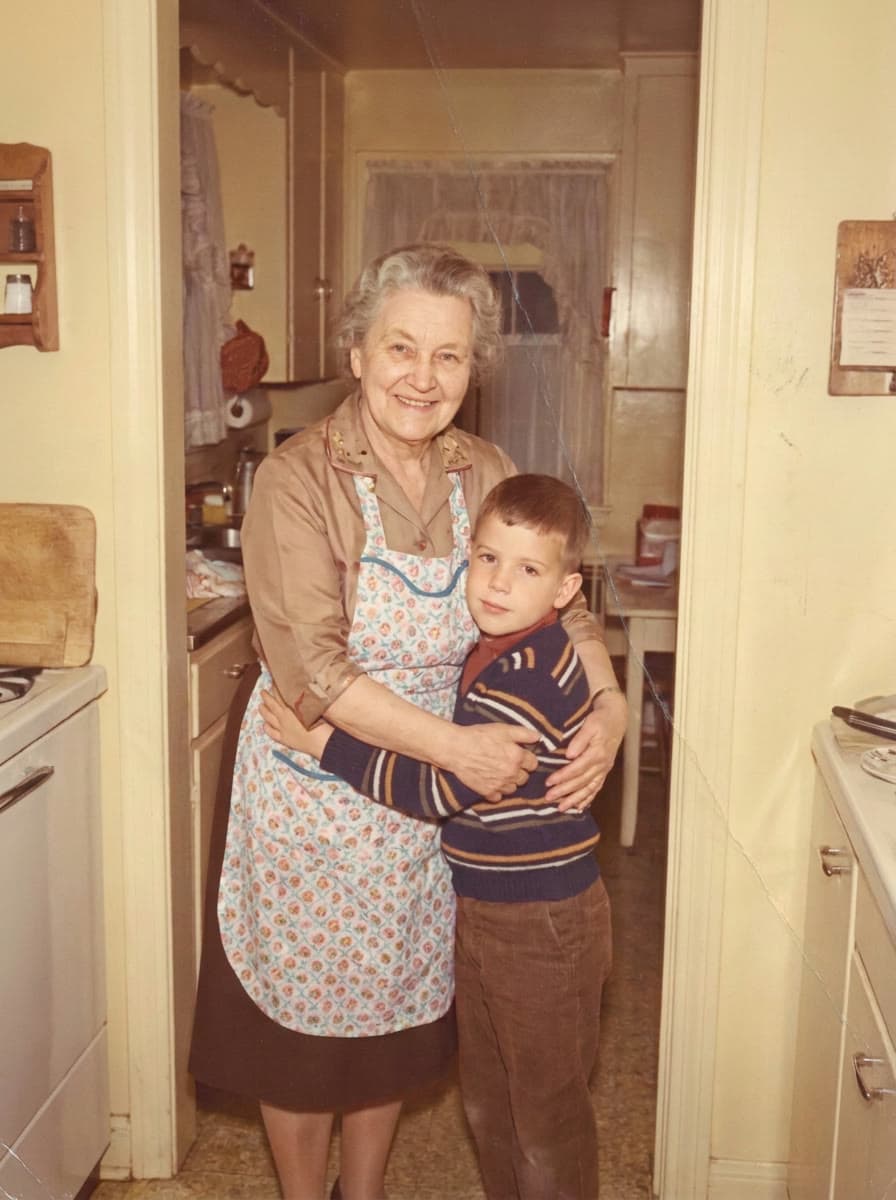
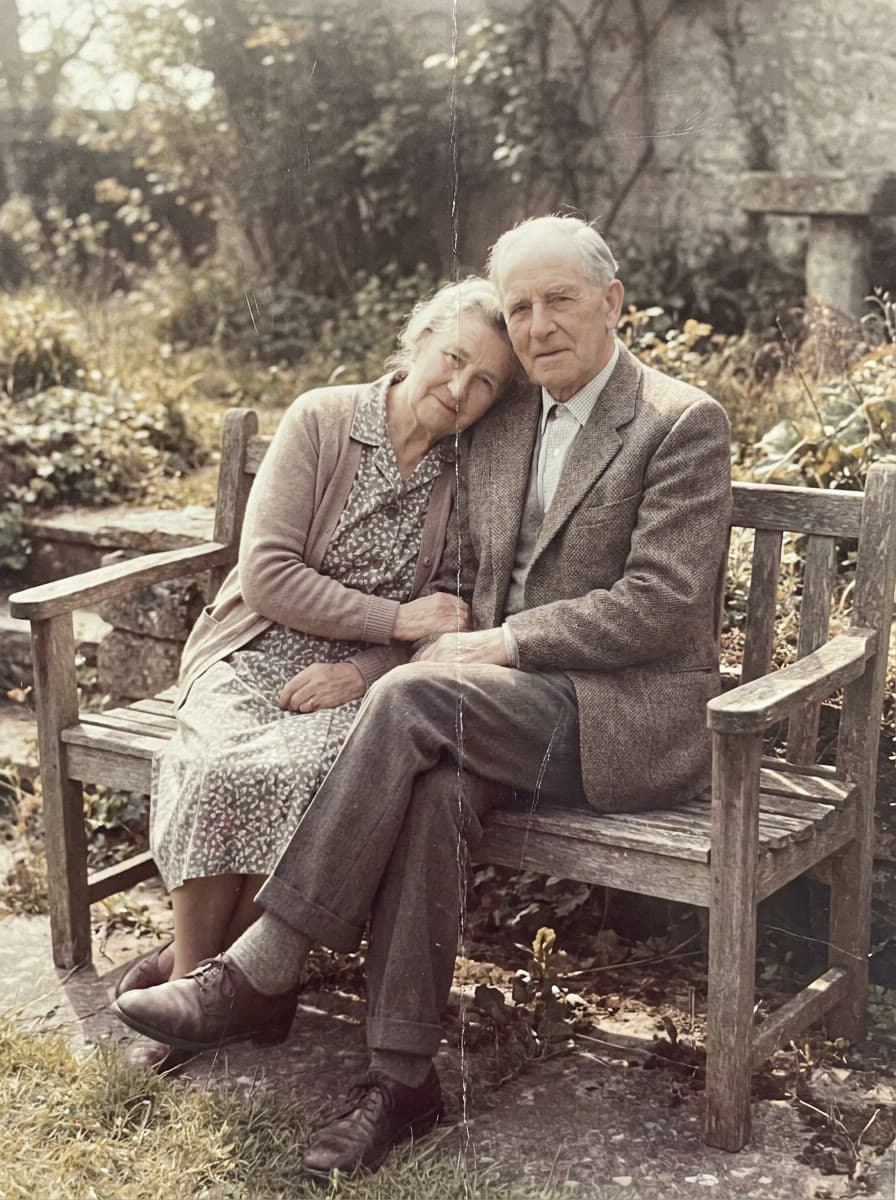
Turn your old photos into lifelike moving videos — in seconds.
Bring My Memory to LifeHere's How It Works
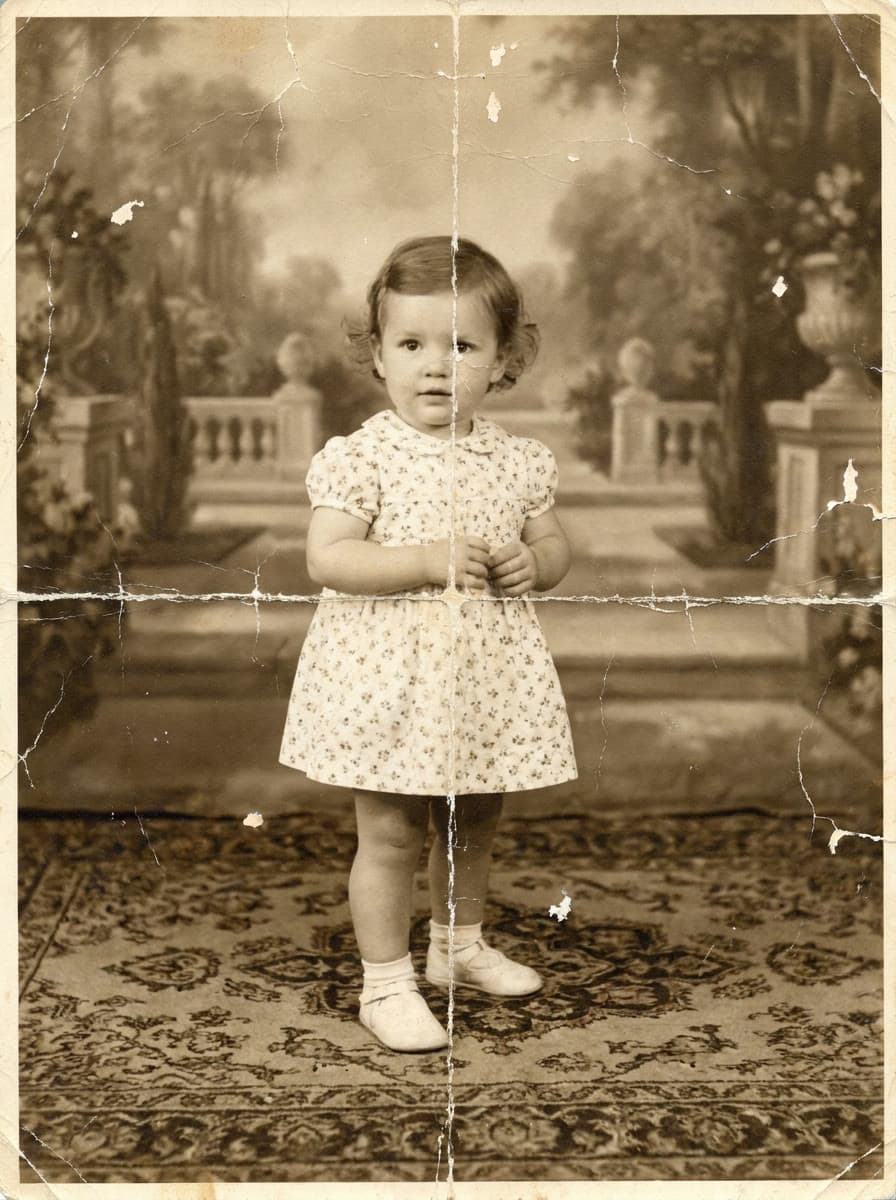
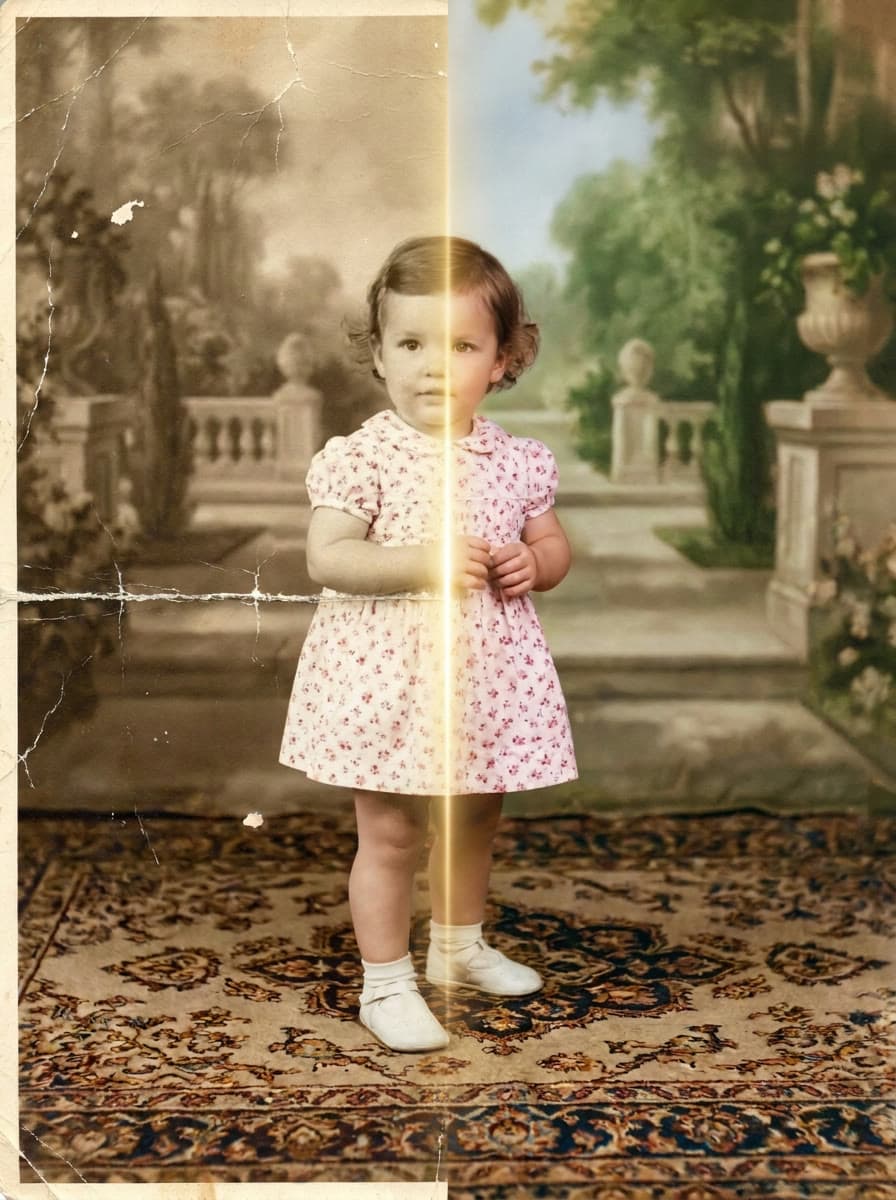
The simplest way to bring memories back
No complicated apps, no editing skills, no technical setup.
Make Memories Move
Turn a single still photo into a gentle video you can watch again and again.
No Skills Needed
Upload your photo and follow a few simple steps. The hardest part is choosing which memory to start with.
Save Old Photos
Repair fading, scratches, blur and damage in the photos you treasure.
Send It to Family
Share the finished memory with the people who will feel it most.
A glimpse of what is possible
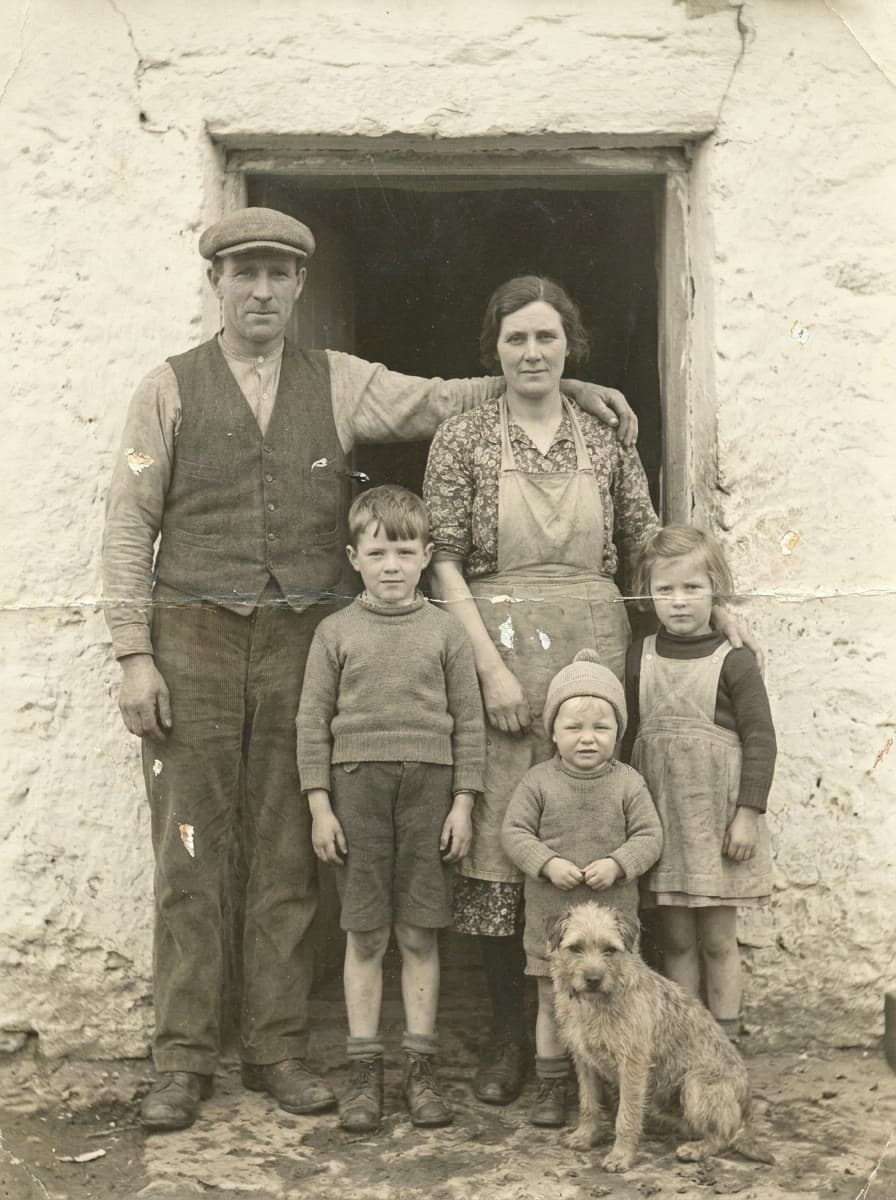
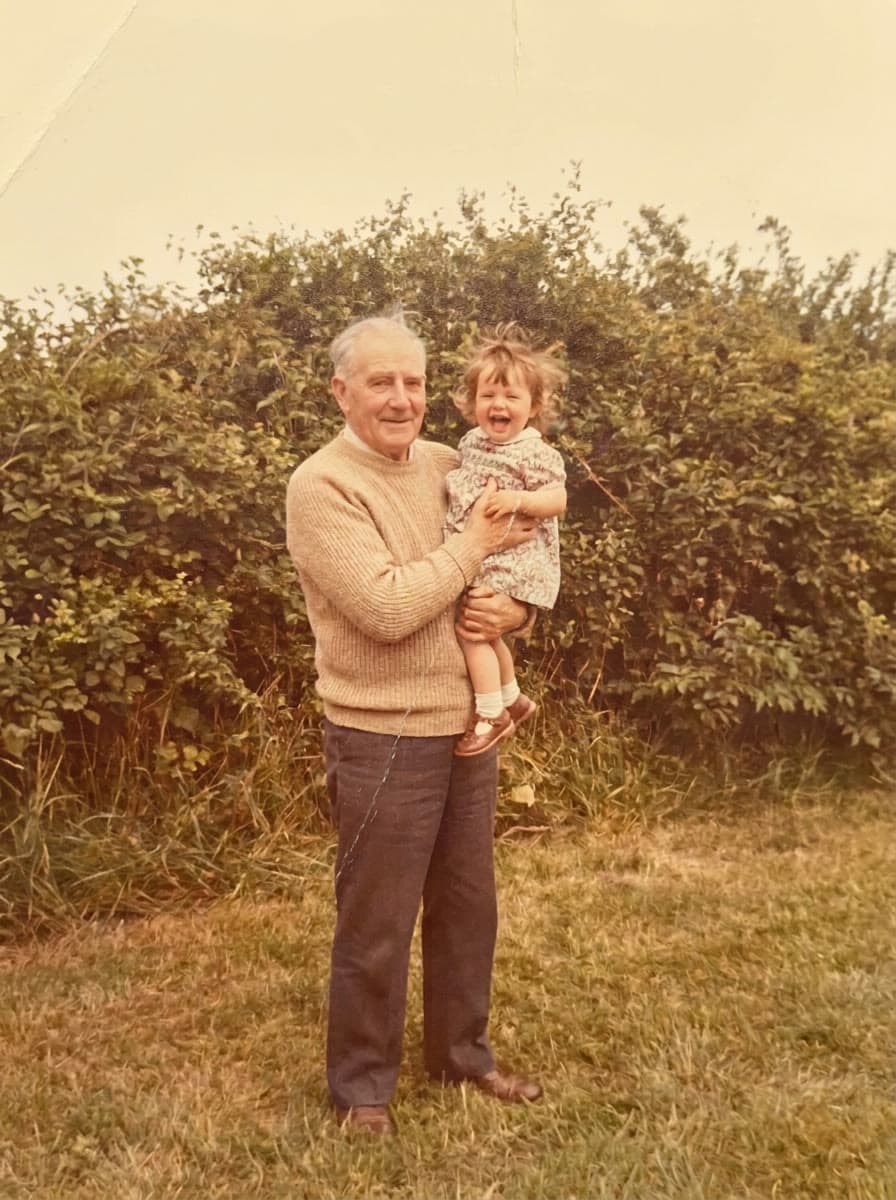
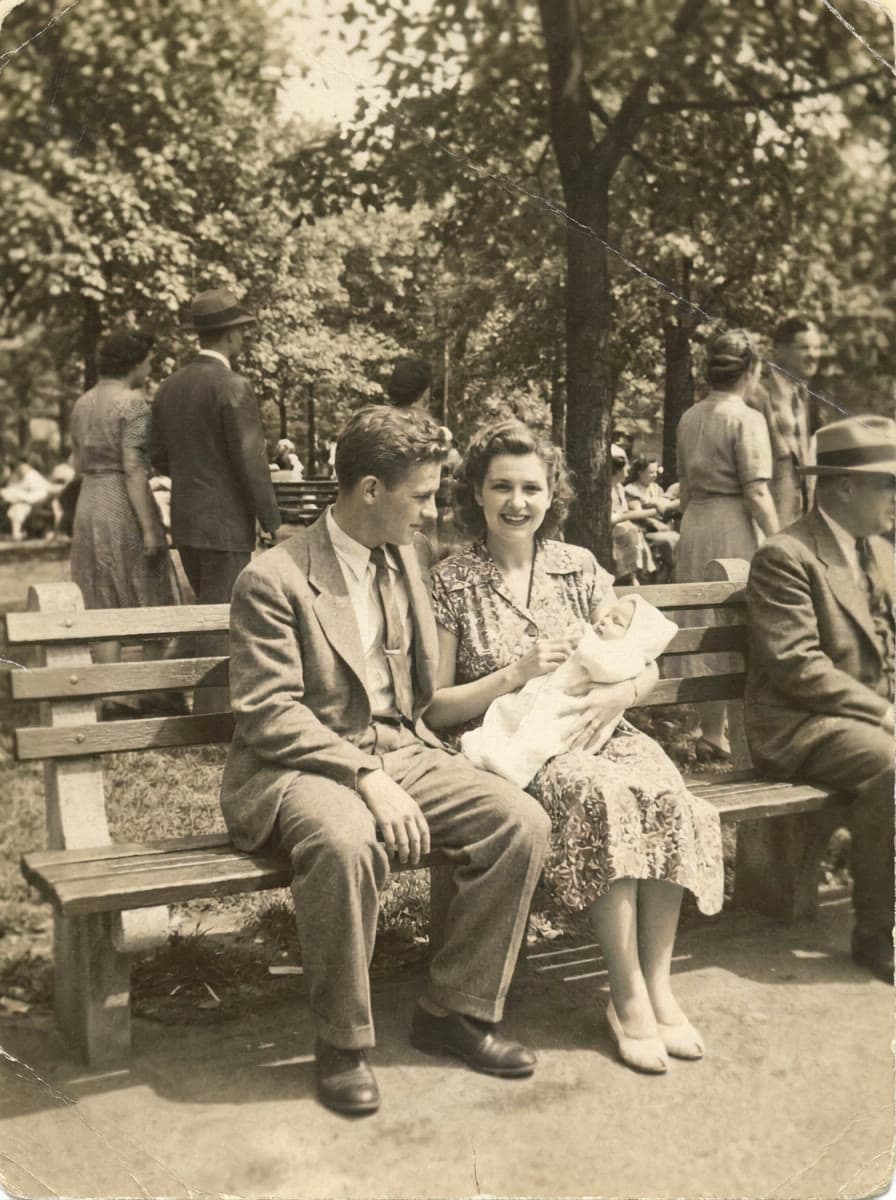
Every photo you see here was once still. Now it moves.
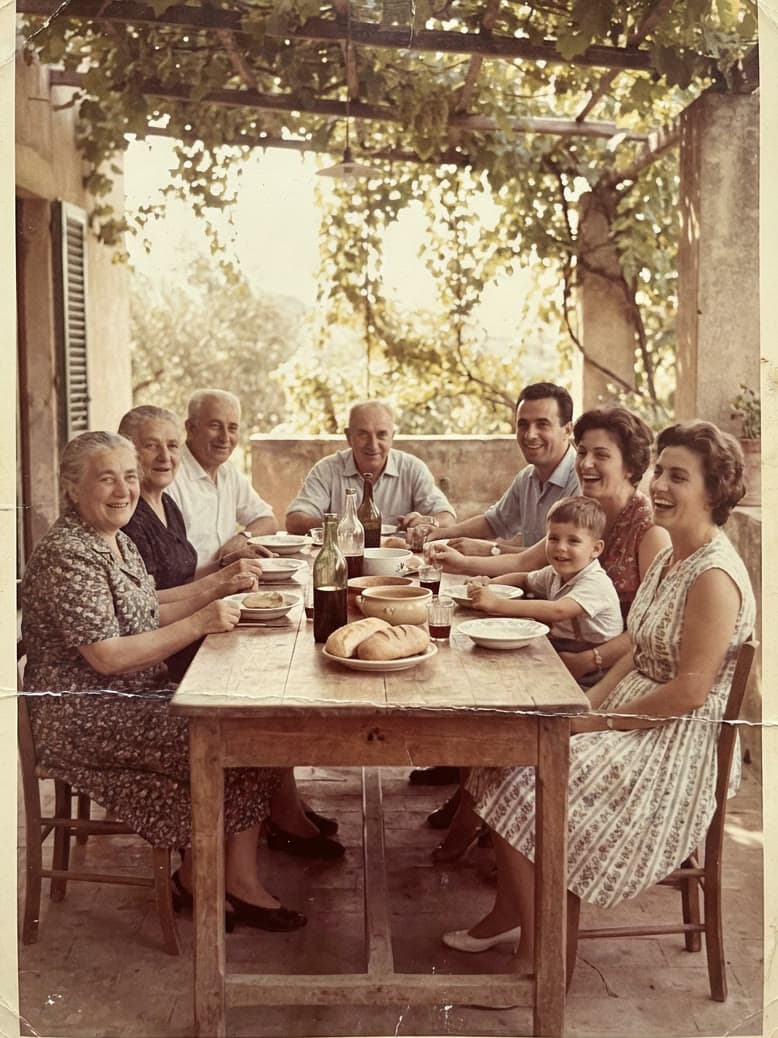 BEFORE
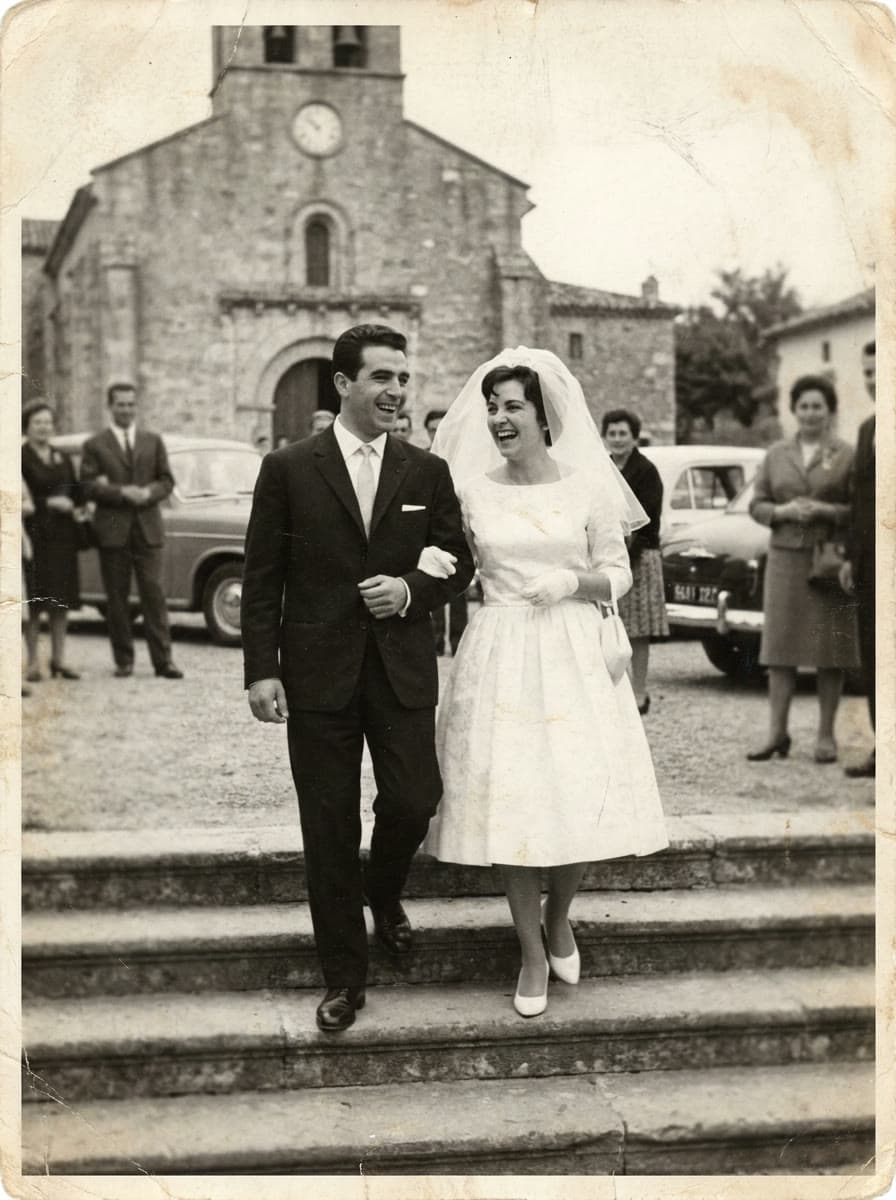 BEFORE
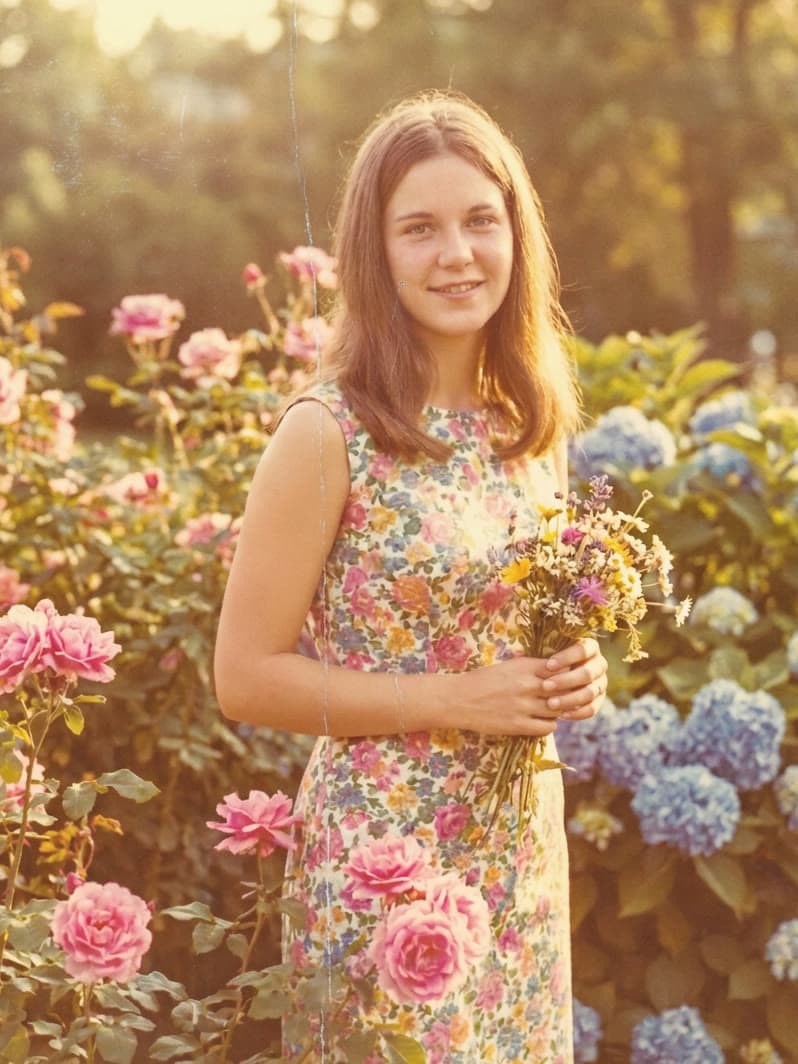 BEFORE
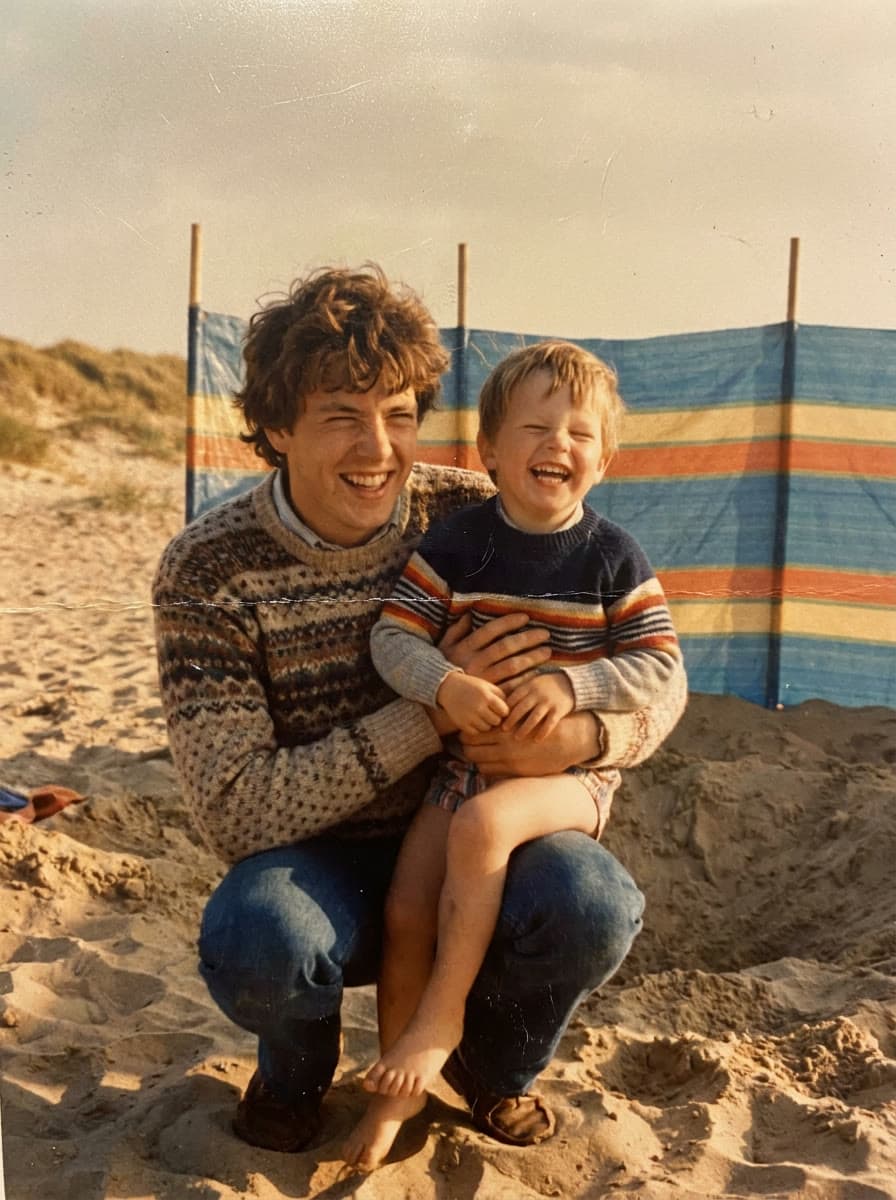 BEFORE
Families across Europe are bringing back the photos they were sure had faded for good.
- 24,760+
- Happy Users
- Old albums opened again, one face at a time
- 181,205+
- Images Restored
- Scratched, yellowed and faded photos made sharp again.
- 98%
- Satisfaction Rate
- Moments that brought a smile, a tear or a story back to the table.
Stories From Families Who Tried It
See why people use Reliva Moment for the photos they can't replace
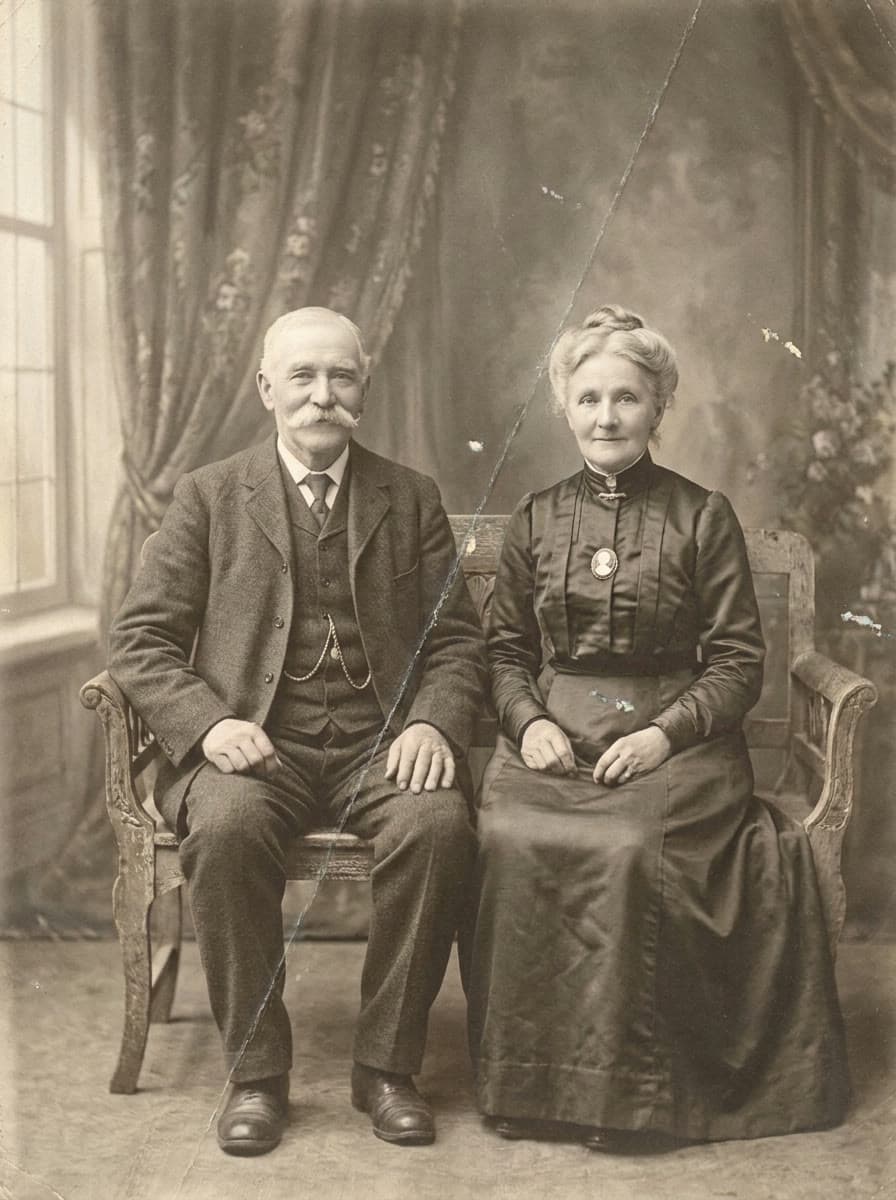 Before
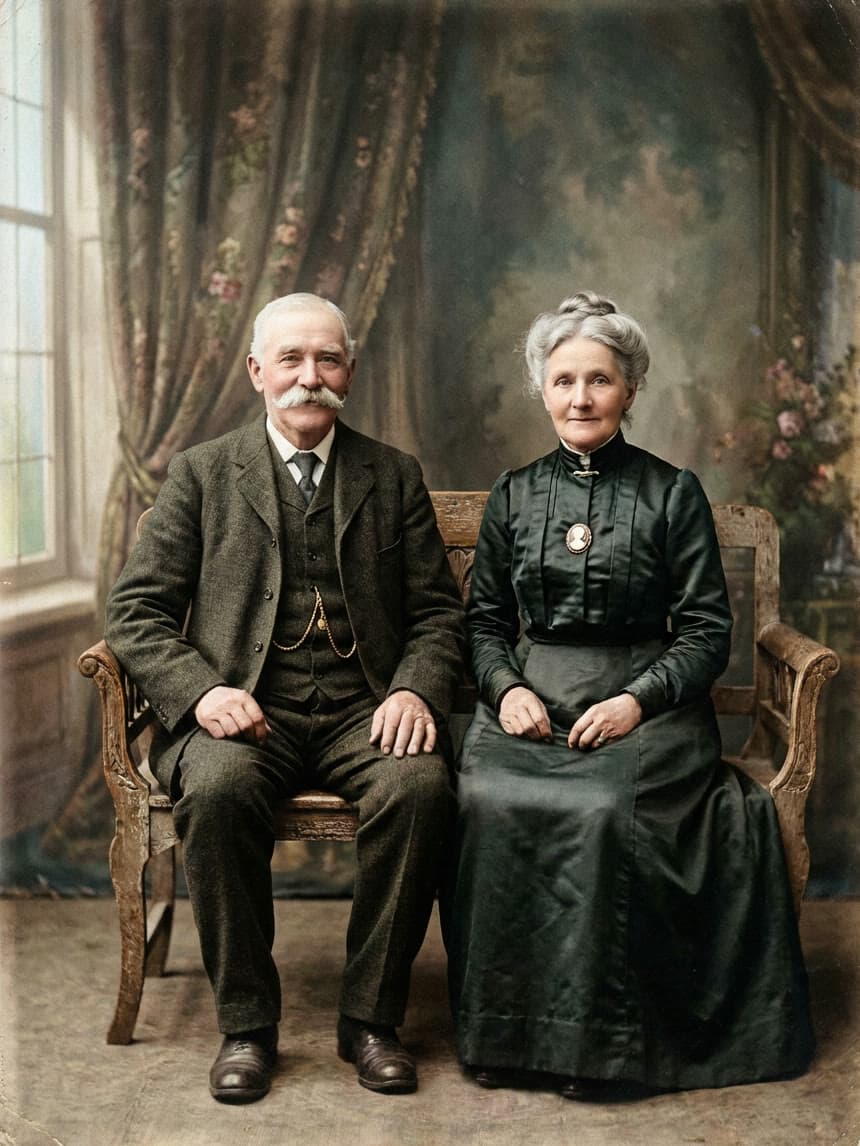 After
After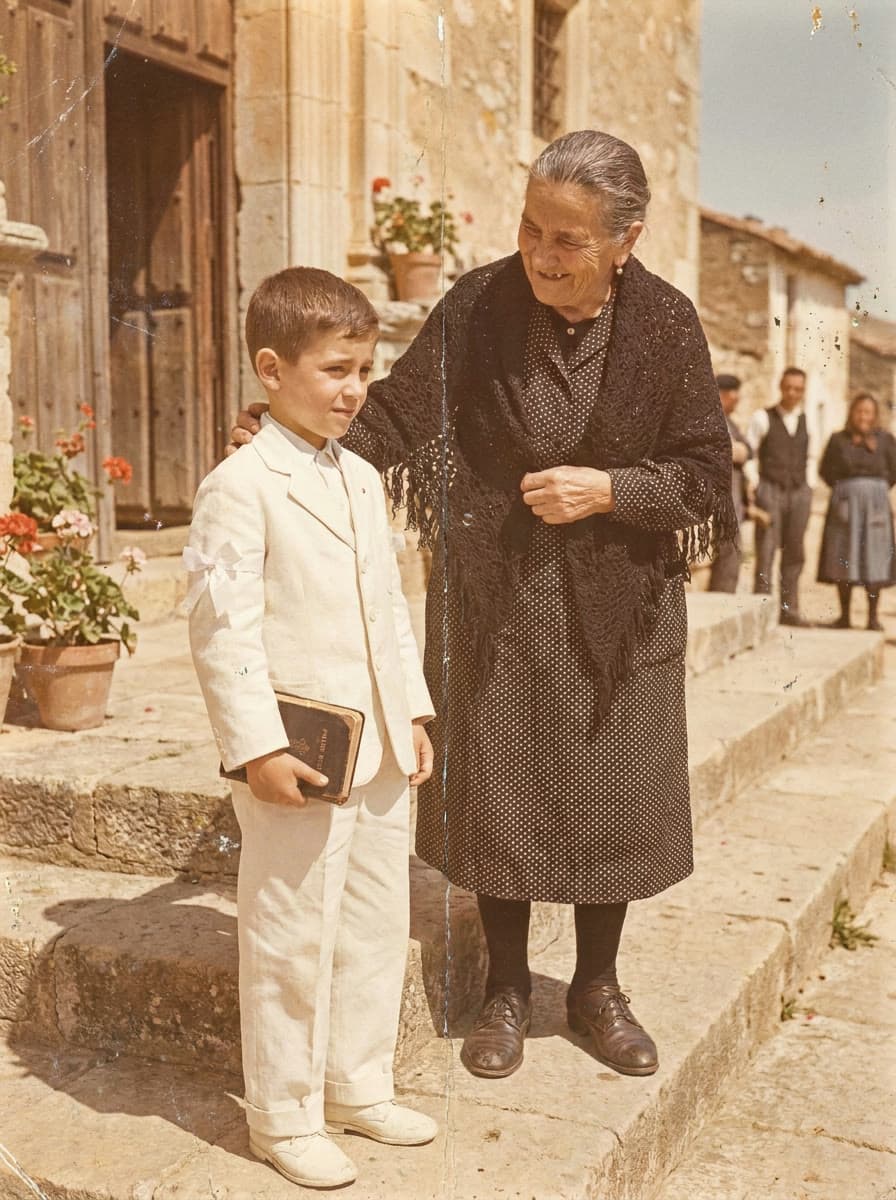 Before
 After
AfterCommon questions, answered
How does it work?
Just follow three simple steps: 1. Upload a photo. 2. Pick a motion. 3. Watch your photo come to life and send it to family or friends. That's it! It takes under two minutes.
Do I need to be good with technology to use it?
Not at all! Reliva Moment works on any phone, tablet or computer – just upload a photo and tap a few buttons. No tech skills needed.
What kind of photos can I use?
You can use any photo – old or new. Family portraits, wedding pictures, pets, old houses, or even childhood photos – all can be brought back to life beautifully.
Can I use this as a gift?
Of course! Many people use Reliva Moment to surprise loved ones for birthdays or anniversaries, or simply to bring back a memory of someone dear. A moving photo often brings tears of joy.
Do I need to install anything?
No downloads or apps required. Reliva Moment works right from your browser – on any computer, tablet, or smartphone.
Is it safe and private?
Yes. Your photos and videos stay private and secure. We never share them with anyone without your permission. Only you and the people you choose can see them.